
Sale!
2 easy to reach screws –
€123.67
Out of stock
Email when stock available
Description
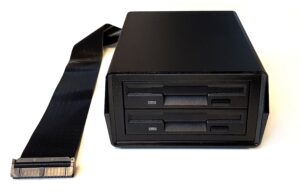
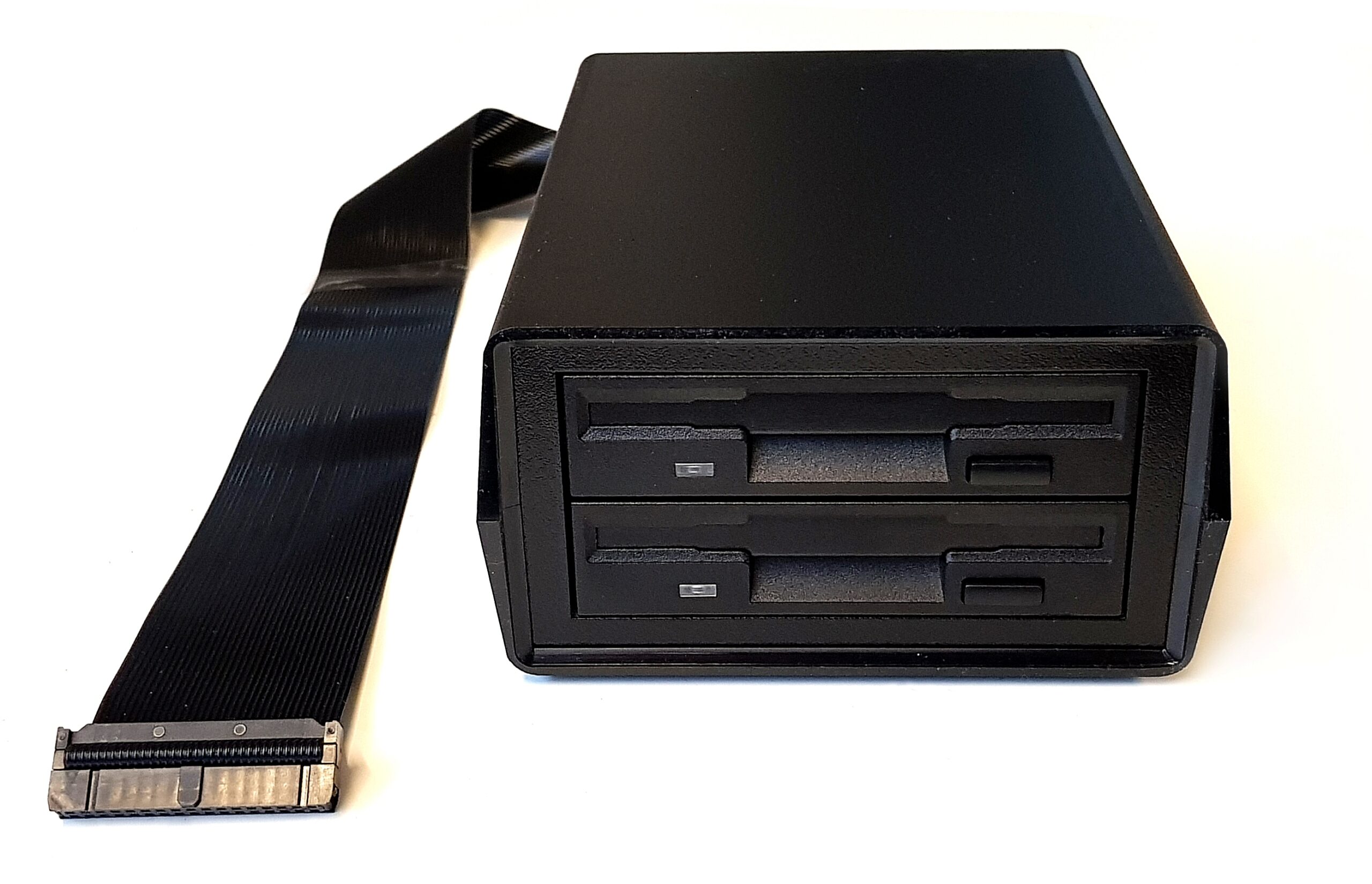
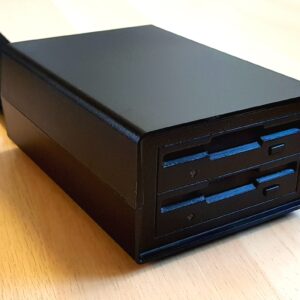
The Dual Floppy Drive Set
A great nostalgic add-on for any retro-computer*
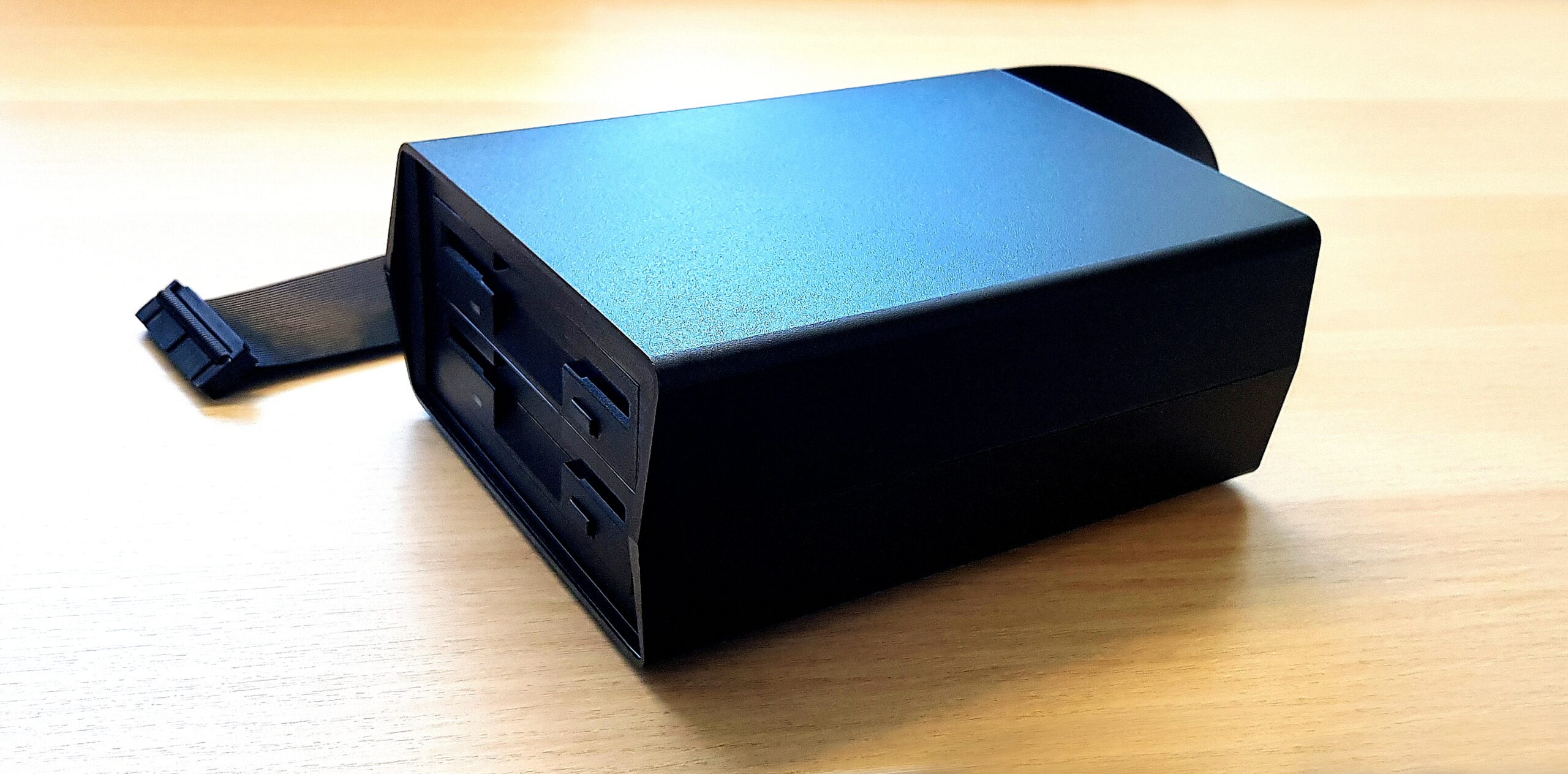
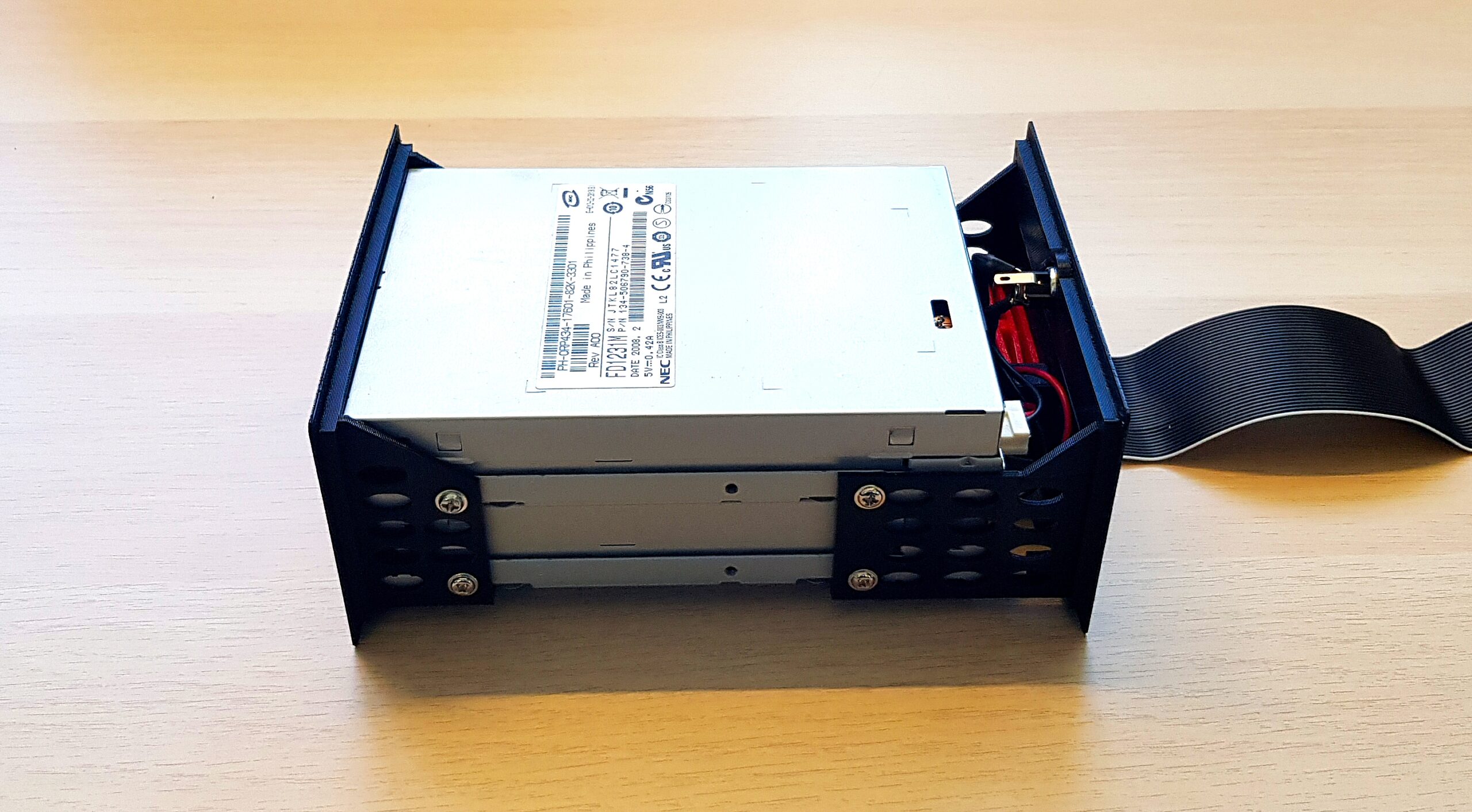
2023 revision: brand new *fully maintainable* enclosure!
2 easy to reach screws –
You can disassemble the drive set completely!
Also available: this same drive set, but with 3D printed Floppy Drive bezels – a tad cheaper, but still very awesome!
- For Shugart compatible floppy interfaces
- Manually crafted!
- Front and back bezels are quality 3D printed, with a nice grain finish (printed on PEI plate)
- The ribbon cable is kept in thoroughly, with a spring against the IDC plug
- E.g. for:
- ZX Spectrum with PlusD, PlusDlite, Disciple or Betadisk floppy disk interface
- Sinclair QL with Cumana, Trump or Gold card floppy disk interface
- other machines like BBC etc, with Shugart-pinout compatible floppy disk interface
- Including *top grade* 5V 2A power supply (EU / UK / US / Australian – the type that is needed in your country is included)
*Connects to any Shugart compatible floppy disk interface – many retrocomputers need a separate interface for that.
Read the included printed manual here.
We offer the PlusDlite floppy disk interface for the ZX Spectrum in this webshop.
Pinout is according to the Shugart standard:
– Pin 10: Drive select 0
– Pin 12: Drive select 1
– Pin 14: Drive select 2
– Pin 16: Motor on
The enclosure can easily be opened for maintenance.
The included drives have been cleaned, tested, the heads have been cleaned with IPA, and the mechanical moving parts have been greased with silicon grease.

Additional information
| Weight | 1.5 kg |
|---|---|
| Dimensions | 12 × 18 × 6 cm |



Can I used the THE DUAL FLOPPY DRIVE SET on a regular PC?
It is configured to be Shugart compatible, which is not 100% compatible to IBM/PC floppy disk interfaces: there are some minor differences with drive select and motor on signals.
However, two solutions are coming up:
1) I’m working on a Shugart to IBM/PC adapter, which is almost finished (need to test and see if modifications are needed). This will make it possible to connect a Shugart configured drive set, to a DOS machine, or another machine with IBM/PC interface (pinout).
2) The other solution is the new version of this drive set, which is also about to be available: this one has a new case (it took years to find this new version – only 2 case types are known to fit), which makes assembling a set way easier, and can be easily disassembled when needed. This also makes it very easy to swap out the ribbon cable with one that works with IBM/PC (pinout) interfaces.
The “DUAL FLOPPY DRIVE SET” works fine on my Heathkit H8 system with the New H8-H37-H67 Controller under HDOS and CP/M.
Thank you for such great product.
Norby
Hallo,
Ist das THE DUAL FLOPPY DRIVE SET Amiga kompatibel ?
The set is Shugart pinout compatible, I’m not sure if the Amiga has the same interface signals.
I think it does: I remember people assembling a PC drive into their Amigas.
The Dual Floppy Drive set has a 34 (2×17) pin IDC connector, so to use it as external drive for e.g. Amiga 500, you probably need an adapter.
If there is more demand for such, I may dig into it.
The “DUAL FLOPPY DRIVE SET” works fine on my Heathkit H8 system with the New H8-H37-H67 Controller under HDOS and CP/M.
Thank you for such great product.
Norby